
How a light pen works
CRT scanning, a photosensor and a magnetic switch inside a Soviet light pen.
In case you wanted to know how a light pen works but haven't asked =)
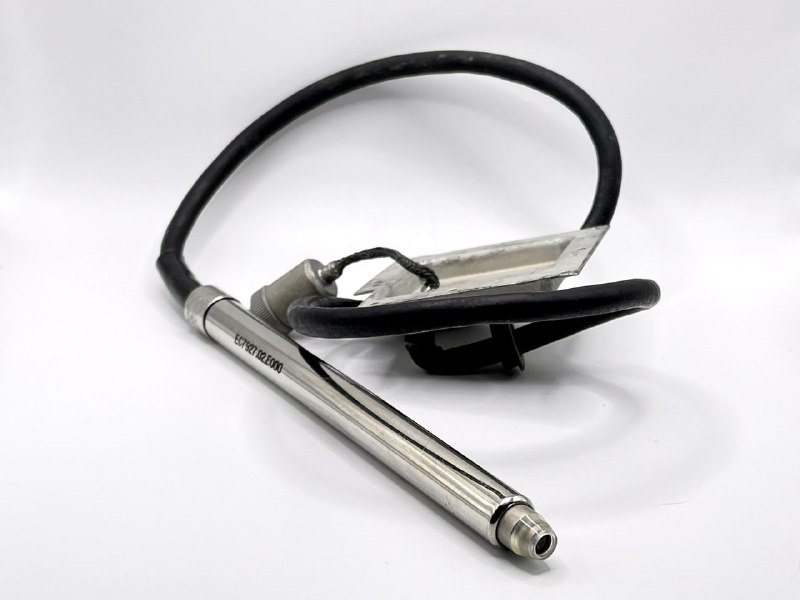
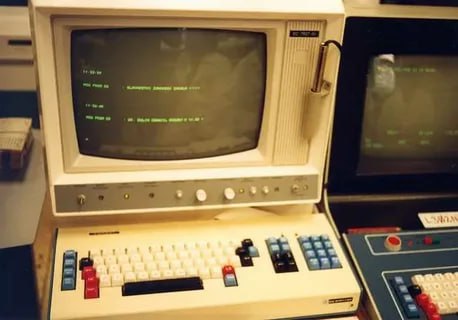
Our example is an ES7927.02.E000 for, unsurprisingly, the ES7927 terminal. Roughly the 1980s.
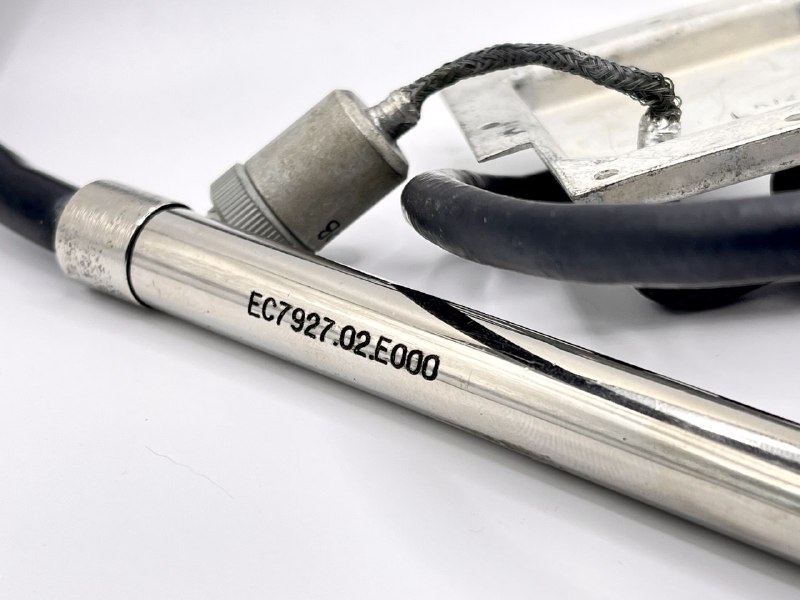
It works approximately like this:
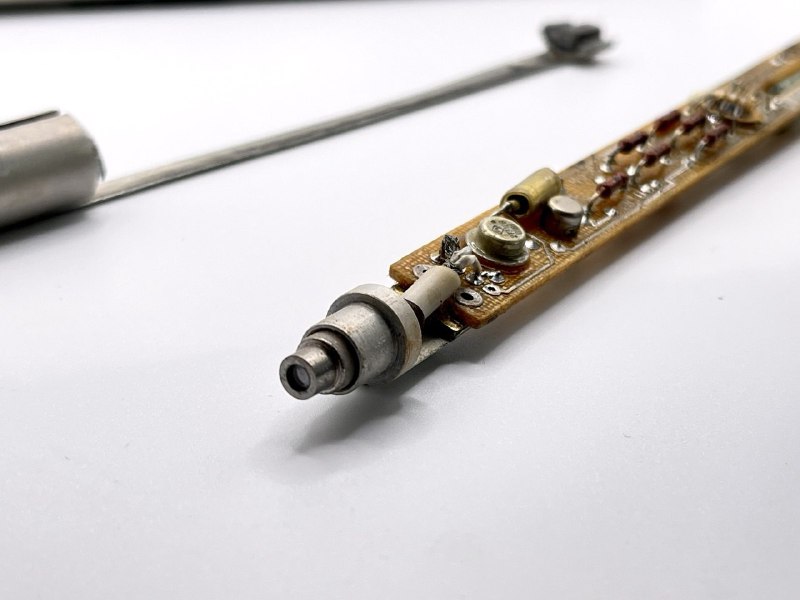
- Inside a CRT display, an electron beam scans the screen line by line.
- When the operator touches the screen and presses the pen's button, a photoelectric sensor inside detects the brightness change at that moment.
- The pen controller records the flash timing and calculates the screen position by synchronising with the monitor's scan.
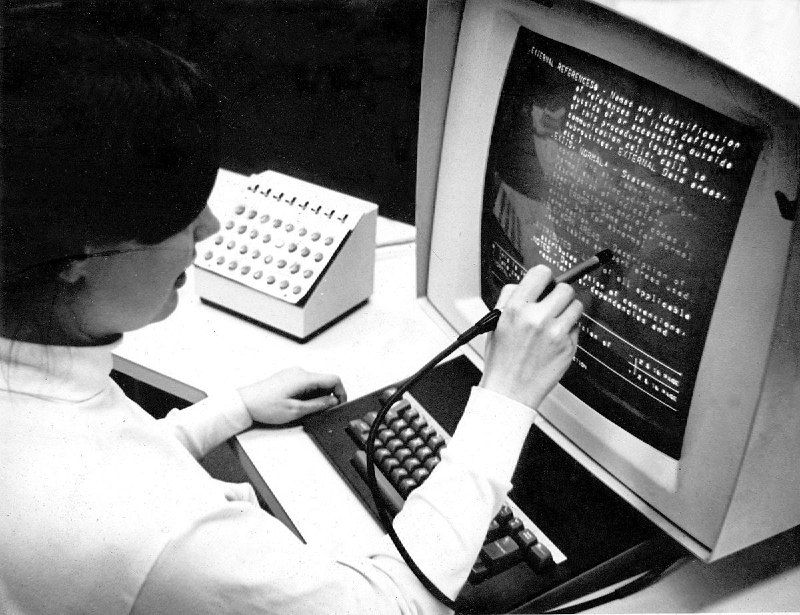
The pen was mainly used to navigate and move the cursor through displayed text. Drawing tasks hadn't yet appeared, and convenient editor line-navigation combinations such as those in Vim had yet to be invented.
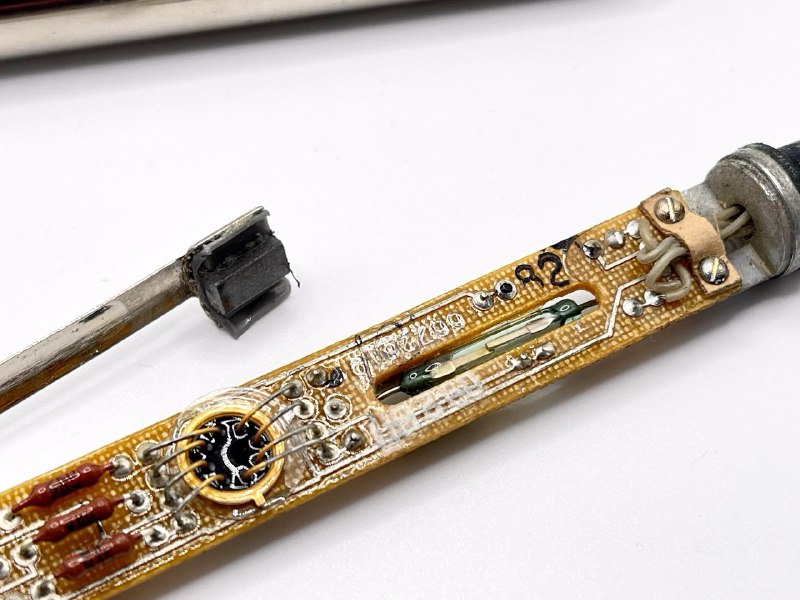
Our pen has no button, but a spring-loaded tip. Pressing it against the screen pushes a little magnet, closing a reed switch and triggering a reading.
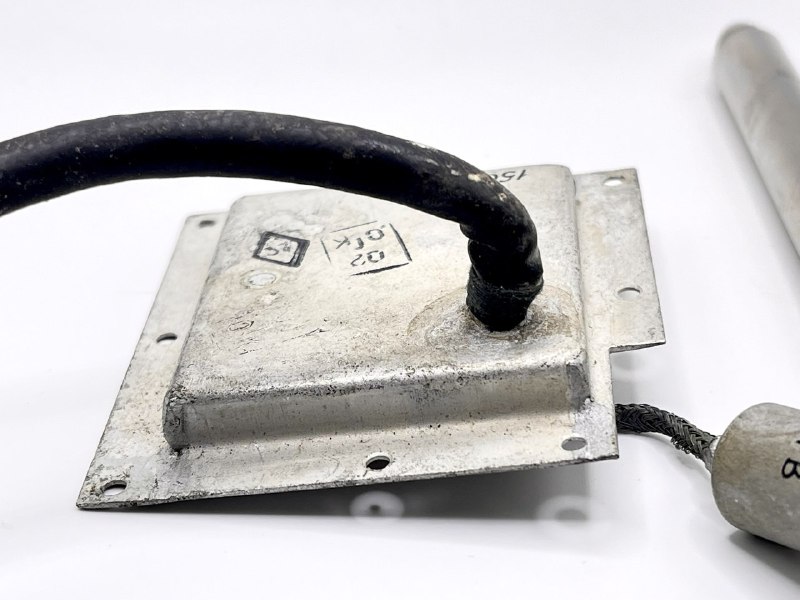
An interesting detail: the terminal-end connector is hidden behind a metal cover. It's nice that the engineers considered cable-mount wear, or made it harder to remove the pen without supervision. Seven screws are certainly harder to undo than one nut, and easy to seal.
Translated from the original Russian post.
Original post on Telegram ↗